
Cheap shared subscription to XBOX Game Pass
Can you imagine playing your favorite games without spending a single euro buying them separately? That’s what a cheap shared subscription to XBOX Game Pass offers: endless games so you won’t get bored on weekends.
Cheap Xbox Game Pass: how to pay less and buy safely
Paying less for Xbox Game Pass is not about grabbing the cheapest code you find in a search. The difference between a good deal and a bad purchase is often in the details almost no one checks: the exact plan, the activation region, payment fees or "new user only" requirements.
The problem is that many offers look identical on a comparison site and they are not. A 12-month card can be worse than several three-month ones. A flashy discount code might not work with a Spanish account. And a low initial price can hide an automatic renewal at the full rate.
In this guide we explain how to compare Xbox Game Pass offers wisely, calculate the real monthly cost and avoid the most common mistakes when buying digital codes.
The cheapest offer depends on the plan you need
There is no single cheap Game Pass that suits everyone. The first step to saving is choosing the plan you will actually use, because overpaying for features you won’t use is the most common waste.
Someone who plays only on PC may overpay with Ultimate. Someone who plays online on console, however, must ensure their plan includes that access. And if the listing does not specify the plan, duration or activation territory, the discount loses value: a cheap key that cannot be redeemed is not an offer.
Names, benefits and prices of Game Pass change over time.
Main need | Plan that usually fits | What to check |
|---|---|---|
Play on PC with Windows | PC Game Pass | Platform, catalog and hardware requirements |
Play online on console and access a selection of games | Console basic plan | Multiplayer, catalog and region |
Play on console without all extras | Intermediate console plan, if available | Catalog, releases and included features |
Use console and PC with one subscription | Xbox Game Pass Ultimate | Multiplayer, cloud, EA Play and current terms |
One month of Ultimate, a 14-day trial and three months of a basic plan do not have the same value, even if their price seems similar.
Xbox Game Pass Ultimate: when the full plan is worth it
A cheap Xbox Game Pass Ultimate can be worthwhile if you switch between console and PC, play online on Xbox, or use cloud gaming. Ultimate bundles several features into a single fee, but it only pays off if you will use them.
For PC-only play, PC Game Pass usually covers what you need without paying for console services. The monthly difference may seem small, but it adds up if you keep the subscription for many months.
When comparing a 1-month Xbox Game Pass Ultimate code with a longer one, check what Ultimate includes at that time. The catalog, Xbox Cloud Gaming, EA Play, rewards and other perks can vary by market or Microsoft’s conditions.
Core, Essential and Premium: the code label matters
Plan names can change by market and current structure. Do not assume two similar names offer the same thing.
A basic plan may fit if you want online multiplayer and a selection of console games. An intermediate level may suffice for those who want a larger catalog but not all Ultimate extras. The important thing is to check what the plan includes in Spain on the day of purchase.
You also must distinguish between console and PC: a Windows card is not equivalent to an Xbox subscription, even if the promotional image looks similar.
PC Game Pass: a logical choice for PC-only play
If all your use will be on Windows, PC Game Pass is usually the most direct way to reduce cost: you avoid paying for console features you don’t need. You can find PC Game Pass and other game subscriptions on CuentasGO at reduced monthly prices.
Look for clear references to "PC", "Windows" or the corresponding activation platform. A listing that mixes versions or leaves doubts about the subscription type can cause problems after payment.
How to compare cheap Xbox Game Pass offers
The listed price rarely suffices to decide. A 14-day trial, a regular monthly subscription and a multi-month key may look equivalent on a comparison, but their conditions differ greatly. A promotion for new users may cost less initially, but it ceases to be comparable if your account previously had Game Pass or if months cannot be stacked.
To compare properly, follow this order:
- Identify the exact plan and the real duration.
- Separate trials and promotions reserved for new accounts.
- Confirm the offer is valid for Spain and for your account.
- Check whether it allows stacking subscription time.
- Add taxes, fees and payment costs.
- Divide the final amount by the valid months.
- Check whether recurring billing will remain active.
Calculate the effective monthly cost
The formula is simple:
Effective monthly cost = final price paid ÷ valid months of subscription
Count the amount on the final payment step, not the struck-through figure or the advertised discount. If a three-month key costs 30 euros at checkout, the monthly cost is 10 euros. If a fee raises the total to 33 euros, it becomes 11 euros per month.
It’s also useful to separate initial savings from later spending: some promotions reduce the first month and then renew at the regular price. If you only want to try the service for a given period, disable automatic renewal after redemption.
Is it worth buying Game Pass for 1, 3, 6 or 12 months?
Duration offers don’t follow a fixed rule. Sometimes several three-month keys are cheaper than an annual card; other times, a 12-month code lowers the monthly cost and avoids frequent renewals. Comparison should always be within the same plan: comparing a year of Core with a month of Ultimate does not show which is cheaper for your use.
Duration | May suit if... | Risk to check |
|---|---|---|
1 month | You want to try the service or need flexibility | Automatic renewal and limited promotions |
3 months | You find a one-off discount | Whether multiple keys can be stacked |
6 months | You will play for a specific season | Code expiration date |
12 months | Lower monthly cost and you will use it year-round | Upfront payment and activation conditions |
Prepaying a year makes little sense if you will only play for a few months.
Coupons and promotions: when they generate real savings
A Game Pass discount code only saves money if it applies to the chosen product, region and payment method. Some stores exclude subscriptions, digital keys, already-discounted items or certain payment methods.
Note the regular price of the plan and the promotion end date. That makes it easier to tell a real discount from one calculated over an inflated reference. And remember: new user promotions are good for trying the service, but they do not replace a normal subscription if your account previously had Game Pass active.
Checklist to buy a valid code in Spain
Before paying for a prepaid card or digital code, these details must be clear:
- The exact plan: PC Game Pass, Ultimate or the corresponding console plan.
- The real duration: days, months or a promotional trial.
- The activation region and its validity for a Spanish account.
- Restrictions for new users or accounts with an active subscription.
- Whether the code allows stacking months.
- The expiration date, when shown on the listing.
- The final price after taxes, coupon and payment fees.
- The seller’s refund policy for digital products.
Saving a screenshot of the listing and its conditions can help if information changes or an issue arises.
Activation region: Spain, Europe and Global do not mean the same
An Xbox regional key is tied to a territory or specific activation conditions. The label "Europe" does not guarantee it will work with any European account, and "Global" is not necessarily universal.
The safest option is to buy a code whose listing explicitly confirms compatibility with a Spanish account. If the text is ambiguous, ask the seller before paying and keep their reply.
Changing the account region, using a VPN or other methods to bypass restrictions can fail and complicate any claim. The product region should match your account from the start.
Trial codes, non-stackable keys and recurring billing
A trial code usually gives access for a short time and may require the account to have no prior subscription. It should not be valued the same as a standard month. The same applies to new-user promotions: the decisive condition is what Microsoft shows during redemption, not just the listing headline.
Non-stackable codes do not allow adding months to an active subscription or combining multiple units. If you want to cover several months, the listing must clearly state stacking is allowed, and the pre-redemption summary should confirm that time will be added to your existing subscription.
After activating the code, check the Services & Subscriptions section of your Microsoft account. There you will see the expiration date and the status of recurring billing. Turning off automatic renewal does not remove months already paid for: it only prevents a new charge when the contracted period ends.
Where to buy cheap Xbox Game Pass
Microsoft’s official store serves as a reference for price, available plans and activation conditions. Resellers, marketplaces and comparison sites may offer lower amounts, but require closer review of what product is being sold.
Another increasingly popular alternative is shared subscription: on CuentasGO you can access Xbox Game Pass from €5/month, with guided activation and no hidden fees.
You can also find offers in
Seller type | Main advantage | What to check |
|---|---|---|
Official Microsoft/Xbox store | Clear terms and support | May not have the lowest price |
Authorized reseller | Occasional promotions and regular billing | Stock, territory and duration |
Key marketplace | Variety of regions and periods | Seller, fees, restrictions and support |
Shared subscription platform | Very reduced monthly price | Terms of use, delivery and guarantee |
Price comparison site | Quickly locates alternatives | Displayed price may exclude charges |
A price comparison can help spot differences between stores, but the final amount is confirmed on the seller’s checkout page after choosing region and payment method.
Be wary of informal shared accounts and items that do not provide a code or clear terms. For a personal subscription, you should receive a valid digital key or a managed profile with defined support.
How to redeem an Xbox Game Pass code
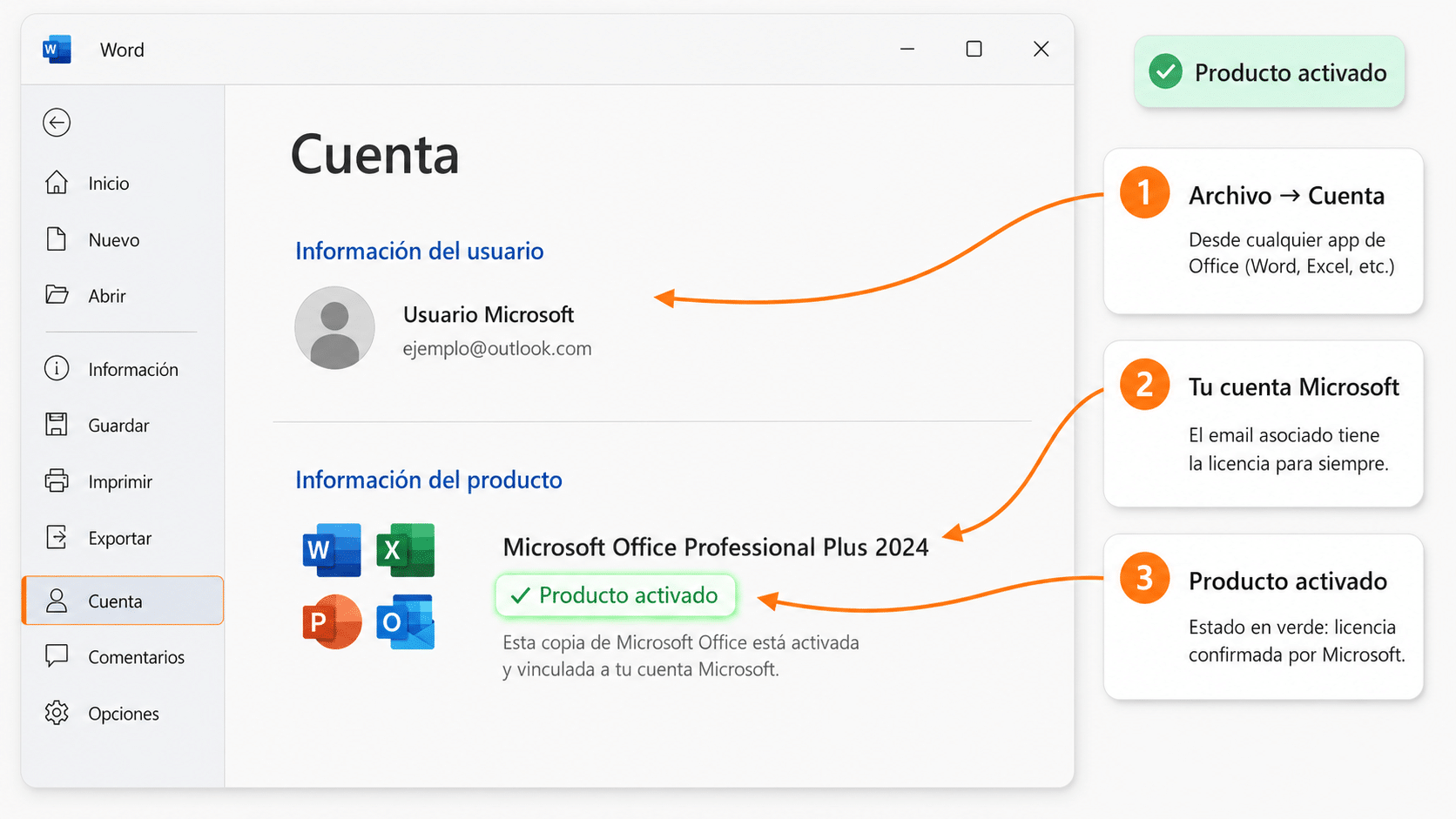
The process is usually quick, but the final summary deserves attention: once a code is used, getting a refund can be difficult. Save the purchase email and a screenshot of the pre-confirmation screen.
Redeem from a browser: go to redeem.microsoft.com and sign in with the account you will use to play. Enter the code and review the plan, duration and next billing date Microsoft shows. If that summary does not match the purchased offer, stop the process and contact the seller before confirming.
Redeem from the console: sign in with the correct profile and look for the redeem code option in the Microsoft Store. Check the plan and months that will be added before validating; entering a key on a secondary account by mistake can be hard to correct.
Common problems when activating a code
An activation error does not automatically mean the key is fake: it may be due to region, an incompatible promotion or a delivery problem. Keep a screenshot of the listing, the error message and the code (without publishing it). The most frequent cases are:
- Incompatible region: the key is not authorized for the account settings.
- Code already used: it may be a delivery issue the seller must resolve.
- New user requirement: the account does not meet the promotion’s conditions.
- Non-stackable code: cannot be added to the current subscription.
- Different plan than expected: PC Game Pass, a trial or a basic plan was bought thinking it was Ultimate.
- Typo error: check similar characters, spaces and hyphens.
If the message refers to a condition that was not clearly stated in the listing, contact the merchant and attach the screenshots. When Microsoft shows a different plan than advertised, do not complete the redemption.
Verdict: saving means buying the right plan
If you play only on PC, PC Game Pass helps you pay less by avoiding console features. If your use focuses on Xbox multiplayer, a basic plan may suffice as long as it includes the access you need. And Ultimate makes sense when you use console, PC, multiplayer and the available extras.
The best purchase is not the one with the lowest number, but the one that works on your account, covers the time you will use it and keeps a competitive final price after fees and conditions.
Get your cheap Xbox Game Pass on CuentasGO
Now that you know how to spot a real offer, putting it into practice is very simple. On CuentasGO you can get Xbox Game Pass with monthly prices from €5, well below the official subscription cost.
These are the advantages of buying on the platform:
- Final price with no surprises: the amount you see is what you pay, with no hidden commissions or extra charges at the end.
- Guided activation: you receive exact instructions to start playing without technical complications.
- Variety of game subscriptions: besides Game Pass, you can complement your entertainment with other platforms in the games category.
- Support for issues: if something fails during activation, you have assistance to resolve it, which anonymous key marketplaces do not always provide.
Compare the effective monthly cost you calculated earlier with CuentasGO’s price: in most cases, the savings difference is considerable. Choose the plan that fits how you play and start enjoying the catalog today.
