
Cheap shared subscription to PDFelement
Tired of paying full price for your software? With our shared accounts you get verified premium tools for much less money, with Spanish support and guaranteed replacement if something goes wrong. In this guide we explain how to get PDFelement cheaply without tricks.
Cheap PDFelement: how to choose the license that suits you best
If you work with PDFs every day, you’ve probably heard of PDFelement. It’s one of the best-known alternatives to Adobe Acrobat: it lets you edit text, convert files to Word or Excel, scan documents and sign them, all in one program and for a lot less money.
The problem comes when it’s time to choose. There are annual plans, perpetual licenses, third‑party deals, Windows or Mac versions… and it’s not always obvious which is best for you. Here we break it down without jargon so you can decide calmly and avoid surprises at checkout.
When it makes sense to buy PDFelement
Think about your daily routine. Invoices, contracts, scanned notes, forms, reports? If those are the documents you work with most often, PDFelement can save you a lot of time. Fixing typos, moving pages or extracting a table to Excel stops being a hassle and becomes something you do in a couple of clicks. And if you want more tools like this without overpaying, check the productivity category, where you’ll find discounted premium subscriptions.
If you only open a PDF occasionally, sign a document from time to time or compress a file once a month, you don’t need to pay. A free reader or an online tool will be enough.
And watch the price: it’s not just the number you see in the offer. A truly cheap editor has to run on your computer, work on your devices and let you finish the job without needing to buy anything else.
The idea is simple: the right license is the one that fits how you work. A cheap plan stops being cheap if you have to renew it early, it doesn’t work on your machine or it lacks a feature you need.
PDFelement licenses: what to compare before paying
Licenses aren’t all the same. They differ in duration, the systems they run on, the included version and the intended users. Important: buying a Windows license does not guarantee compatibility with Mac, nor does it include mobile apps, PDFelement Cloud or the online version. Confirm all these details before you click buy, and also check current promotions, since they change frequently.
Annual plan vs. perpetual license
With an annual plan you have access while you pay the subscription. It’s a good option if you need it for a specific project or a period when you’ll use the program heavily.
A perpetual license, by contrast, lets you use the version you purchased forever. But beware: it does not always include major updates, AI credits or cloud storage.
Which do you prefer? Think of it this way: if you always do the same tasks with documents, a perpetual license lets you avoid yearly payments. But if you need to stay up to date, want AI features or cloud services, the annual plan is the better choice.
Individual, educational or team license
If you’re self‑employed, an individual user or work with a team of one or two people, an individual license is usually enough. And one important note: sharing the same key among several employees can violate the terms of use, and it becomes complicated when someone leaves the company.
Are you a student or a teacher? Student and educator licenses are cheaper, but it’s not enough to use a university email. They sometimes require proof with a document or the offer may be time‑limited.
If you run a small business, compare before buying: sometimes buying several individual licenses is better, and other times a team license that makes adding and removing users and managing payments easier is the way to go.
Windows, Mac, mobile and PDFelement web
A license that works on Windows doesn’t mean it will work on Mac, and the desktop version may not include iPhone, Android or browser apps. Before paying, make sure which version you need and which devices it will run on.
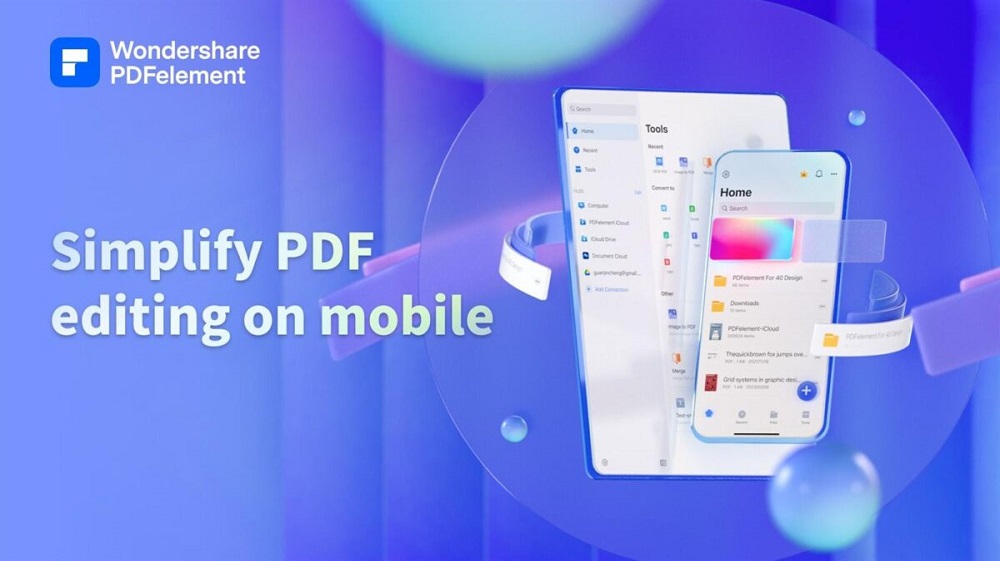
The mobile app is handy for taking notes, scanning papers, filling fields or reviewing documents when you’re away from the office. If you have Android, check the Google Play listing to see if your device is supported and whether the app includes in‑app purchases.
PDFelement free: limits you should know
When we talk about PDFelement free, we could be referring to several things: the trial version of the program, some limited web features or basic tools for reading and annotating. That is not the same as having the full PDFelement Pro license.
What’s the trial for? To answer a specific question: does the program handle your documents correctly? We recommend testing it with a file similar to the ones you usually use, especially if you’ll convert, edit or save it without watermarks. If you’re looking for a free version without watermarks, check the terms of each feature carefully because they vary by version and platform.
And don’t forget privacy. If you’re going to upload contracts, personal data or client documents, check where files are processed and how long they’re stored. An online tool is convenient, but not always the best choice for sensitive information.
Features that may justify paying
A good PDF editor isn’t measured by the number of features it has, but by how well it solves what you need. Recovering a document you no longer have the source for, correcting a detail or reusing a table: in situations like those, the program pays for itself.
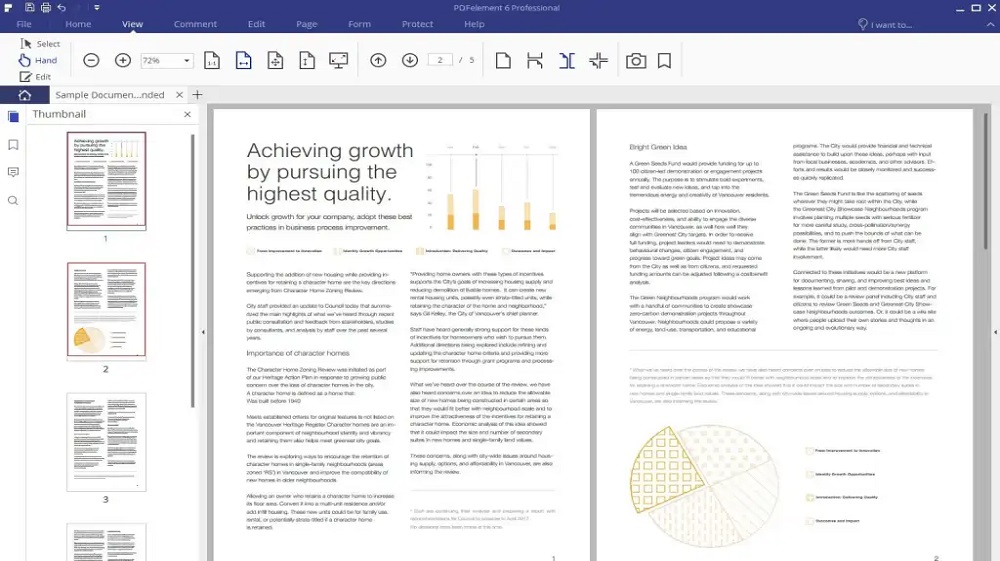
Edit, convert and organize PDFs
Changing an image, editing text or moving a page can save you from redoing the whole document. With simple files there are usually no problems, but if the PDF has multiple columns, unusual fonts or a complex layout, check the result before sending it.
Converting to Word, Excel or PowerPoint saves a lot of work if you’ll reuse the content. For example: extracting a table from a report to work on it in Excel is much faster than retyping it. It’s true that with scans and very tight tables you may need to tweak the result afterward.
For long documents other tools matter: merging files, splitting them, compressing them, or changing page order. If you’re working with many documents at once, Bates numbering lets you identify them in an orderly way.
OCR, forms, protection and e‑signatures
OCR is the function that takes a scan and converts it into selectable, searchable text. It’s very helpful for old invoices, printed notes or stored papers. But remember: if the original is skewed, has shadows or the handwriting is hard to read, recognition will make mistakes.
A typical use case: you scanned an invoice, ran OCR to find an amount, corrected a value and sent the PDF protected. If you always use the same template, fillable forms also make life easier.
Passwords, editing permissions and redacting sensitive data give you more control over your documents, but they’re not a substitute for proper data storage and management.
And about signatures, something many people don’t know: not all signatures serve the same purpose. A signature drawn with a mouse, a pasted photo of a signature and a certified signature are for different situations. For everyday use a standard electronic signature is usually sufficient, but some official procedures require a qualified signature or additional identification systems.
AI tools for PDFs
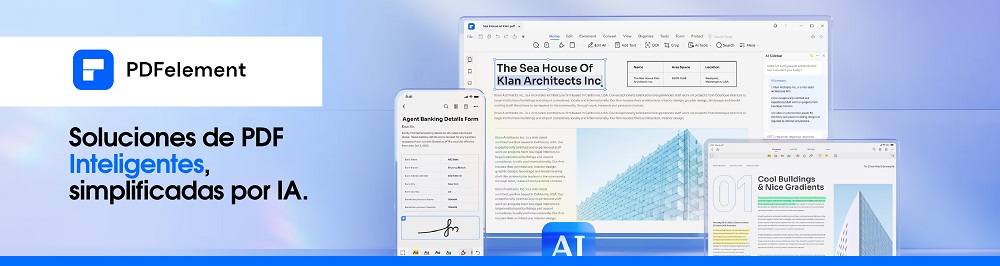
PDFelement includes AI features, like AI Space or the Agreement Copilot, that let you summarize documents, search for clauses, translate phrases or answer questions about the content. They’re very useful when you need to review a very long document or find something specific in a contract.
Still, be careful. AI does not replace a professional review, especially for contracts, financial reports or medical documents: it can miss an exception, misinterpret a clause or mistranslate a technical term.
There’s also a practical point: some of these features consume credits, require a separate subscription or upload your files to the cloud. That affects both price and the privacy of your documents.
Purchase and activation: how to avoid problems
Before buying, the offer should make three things clear: which product you receive, which platform it works on and how it’s activated. If it doesn’t say, look elsewhere.
When you’re about to buy a key, check this list:
- The exact edition and version of the program.
- Whether it’s compatible with Windows, macOS, iOS or Android.
- If it’s a trial, an annual plan or a perpetual license.
- How many devices and users are allowed.
- The final price with taxes and whether it renews automatically.
- If there are region or account restrictions.
- The refund policy for digital codes.
- Who the seller is, whether they provide an invoice and what support they offer.
Generally, buying on the official website is the easiest: you activate with your Wondershare ID, receive updates and have direct support. A third‑party reseller can also be fine but only if they explain where the license comes from, how long it lasts and what happens if the code doesn’t work. To use it you typically just download the program from the official site or the appropriate store and sign in with your account.
And this is important: no installers from sketchy sites, activators, cracks or forum keys. Not only are they illegal, but they’re also one of the most common ways to install malware or steal data.
Alternatives to PDFelement by use case
There’s no tool that’s perfect for everything. Some people need a full editor installed on their computer, and others just want to merge or compress files from the browser.
For occasional online tasks, iLovePDF and Smallpdf are good options. If you want to install an alternative program, take a look at UPDF and PDFgear. Adobe Acrobat makes sense for companies already invested in its ecosystem, but if you only edit a couple of files a month it can be overkill (and expensive).
User reviews help spot common issues, but the best test is to use your own documents. A program might work great with a simple PDF and fail when converting a scanned form or a complex table.
When to choose PDFelement and when to look elsewhere
In short: PDFelement is a good choice if editing PDFs, converting files, applying OCR or handling long documents is part of your routine. If you only need to compress, merge or convert files occasionally, a web tool is enough. And if you need to work in teams with complex workflows or signatures with strict legal requirements, you may need another solution. In any case, try before you buy and confirm the license covers the devices you use.
Get your premium software for less on CuentasGO
Adding up the official price of every digital tool really shows at the end of the month. AtCuentasGO you can obtain shared premium subscriptions safely, with verified sellers, protected payments and a claims system that covers you if something goes wrong. These are the platform’s advantages:
- Real savings: you pay only a portion of each service’s official price.
- Spanish support and quick responses if you have any issue with your access.
- Guaranteed replacement: if an account fails, they fix it at no extra cost.
- Offer comparator: thousands of sellers compete to give you the best price.
Take a look atall available products or discover thepremium packs to save even more by bundling subscriptions. Your productivity shouldn’t cost an arm and a leg.
